How to Add Caveman Mode to Claude and Save 75% of Your Tokens

claude caveman skill

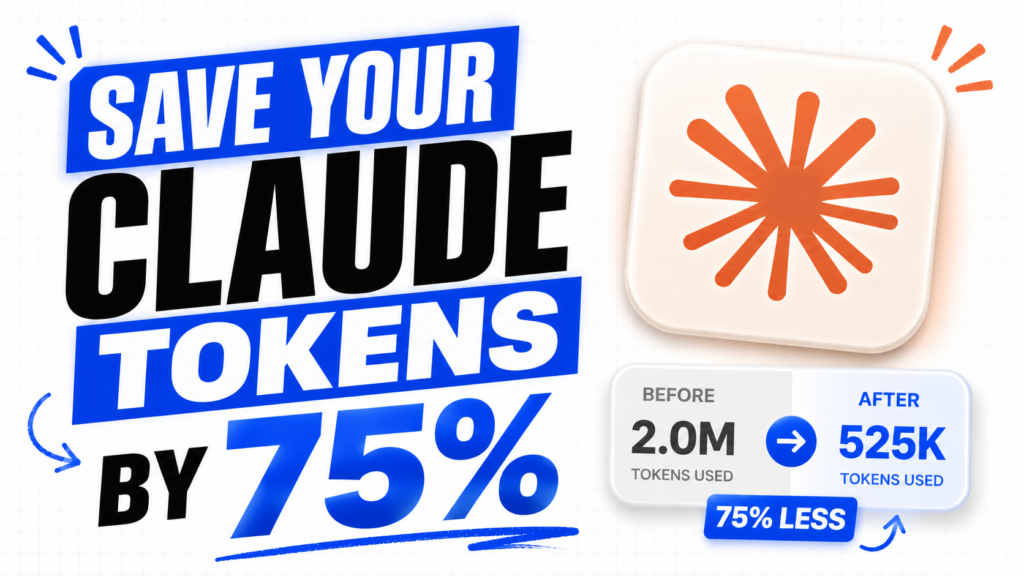
If you’re hitting Claude’s usage limit faster than expected, this is for you.

There’s a skill called Caveman Mode that cuts your token usage by 75% and makes Claude respond with direct, sharp answers — no fluff, no unnecessary explanation.

Here’s how to set it up in under a minute.

Download Skill

Step 1: Open Claude

Go to claude.ai and open the app.

Step 2: Go to Customize

Click on your profile and select Customize.

Step 3: Open Skills

Inside Customize, tap on the Skills tab.

Step 4: Create a New Skill

Tap the + icon to add a new skill.

Step 5: Upload the Zip File

Select Create Skill, then upload the Caveman Mode zip file.

That’s it. Caveman Mode is now active.

How to Use It

Before any prompt, just type /caveman — and Claude will switch into direct mode instantly. Shorter responses, better answers, fewer tokens used.

Keep Reading

Category AI Posted on

How to Add Caveman Mode to Claude and Save 75% of Your Tokens

If you're hitting Claude's usage limit faster than expected, this is for you. There's a skill called Caveman Mode that cuts your token usage by 75% and makes Claude respond with direct, sharp answers — no fluff, no unnecessary explanation. Here's how to set it up in under a minute. Download Skill Step 1: Open Claude Go to claude.ai and open the app. Step 2: Go to Customize Click on your profi…
Continue reading
Category AI Posted on

How to Install PewDiePie’s Odysseus on Your PC (Full Beginner’s Guide)

What is Odysseus? PewDiePie just dropped his own AI workspace called Odysseus — and it's going viral for a good reason. It's basically your own private AI assistant that runs 100% on your local PC. No cloud, no subscription, nothing leaving your machine. Think of it like having ChatGPT and Claude — but fully offline, fully private, and running on your own hardware. And it's not just a simple chat tool eith…
Continue reading