Building a full SaaS app used to mean weeks of backend setup — databases, authentication, payment logic, email automation, hosting. Today, tools like Claude Code make writing an app faster than ever, but for non-technical builders, the backend is still the hard part.
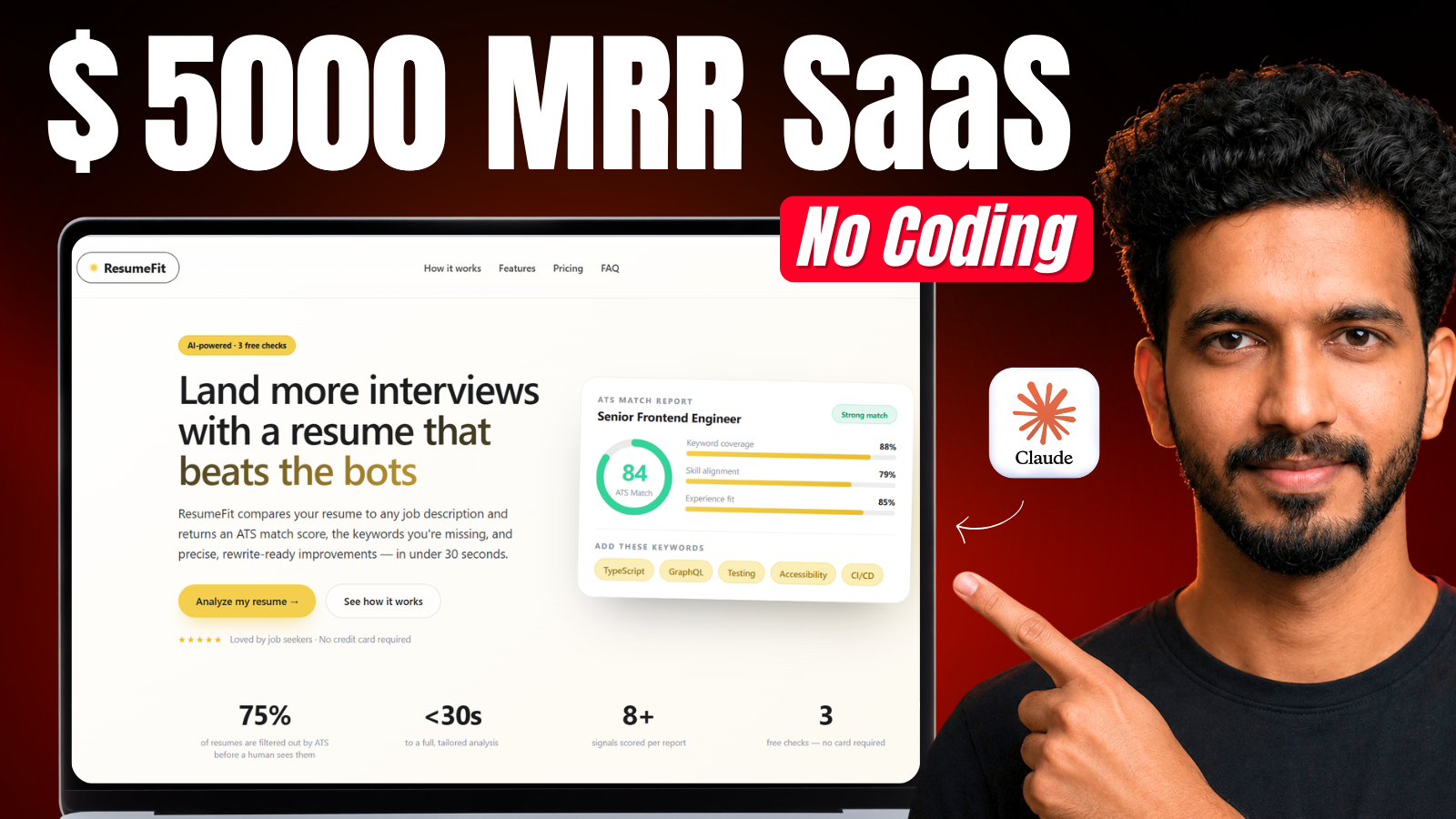
In this guide, I’ll show you exactly how I built Resume Fit — a production-ready, AI-powered resume optimization SaaS app — with login, Stripe payments, AI agents, and automated email reports, without writing a single line of backend code.
I did this by pairing Claude Code with Momen, a visual backend platform that handles your database, authentication, AI agents, and business logic — while Claude Code builds the custom frontend on top of it.
Watch the Full Tutorial
What This App Does
Resume Fit compares a user’s resume against any job description and returns:
- An ATS match score
- Missing keywords and skills
- Specific suggestions to improve the resume
- An automated email report with the full breakdown
It also includes a free-to-Pro upgrade flow powered by Stripe, so users get 3 free checks before upgrading to unlimited access.
The Stack
- Frontend: Custom-coded with Claude Code (React + Vite)
- Backend: Momen (database, authentication, AI agents, action flows)
- Payments: Stripe
- Email automation: Resend
- AI model for resume analysis: GPT-5.4-mini
Why This Workflow Works
Claude Code is great at writing frontend code and reasoning through app logic, but as a non-technical builder, deploying a database, wiring it to your frontend, and managing backend code you don’t fully understand is where most people get stuck.
Momen solves that by giving you a visual backend — you can see your database tables, your AI agents, and your action flows (the logic connecting everything), and edit any of it without touching code. Claude Code connects to Moment directly through a plugin, so it can build and configure your backend for you, based on a single structured prompt.
How to Build Your Own Version
- Connect the Moment plugin to Claude Code
- Create a blank project on Momen
- Write a structured prompt describing your app (architecture, backend needs, payment logic, email logic)
- Paste in your Stripe keys, Resend API key, and Moment project ID
- Let Claude Code build your database, action flows, AI agents, and frontend
- Test, fix bugs, refine the UI, and go live
The most important step is step 3 — a vague prompt like “build me an app” leads to a lot of back-and-forth. A structured, detailed prompt gets you 80–90% of the way there on the first try.
My Structured Prompt
Below is the exact structured prompt I used to build Resume Fit. Feel free to copy it, then rewrite the specifics for your own app idea — or paste it into ChatGPT and ask it to generate a similar structured prompt for your idea.
Build an AI-powered resume optimization platform called ResumeFit, with Momen as the backend and a custom React + Vite frontend. The frontend should have a modern, premium SaaS design.

Architecture:
- Frontend: Custom-coded React + Vite app (not Momen's native UI builder). It communicates directly with Momen's Data/Action APIs.
- Backend: Momen handles authentication, database, AI resume analysis, free usage tracking, Stripe subscription logic, and email sending.

Flow:
1. A user signs up/logs in and lands on a dashboard showing remaining free checks (3), recent analyses, and a "New Resume Check" button.
2. The user uploads a resume (PDF/DOCX) and pastes or uploads a job description.
3. On submission, the frontend calls a Momen Action that:
   - Extracts the resume and job description text.
   - Uses AI to compare them and generates:
     - ATS Match Score
     - Resume strengths
     - Weaknesses
     - Missing keywords
     - Missing skills
     - Suggested improvements
     - Overall recommendation
   - Saves the complete analysis to the Momen database linked to the user.
4. The completed analysis is displayed on the dashboard and stored in the user's history for future viewing.
5. The user receives the analysis report via email using the Resend API.
6. Users can perform up to 3 free resume checks. After that, they are redirected to upgrade via Stripe Checkout before continuing.

Dashboard:
- Remaining Free Checks
- New Resume Check
- Recent Analysis History
- View Previous Reports
- Upgrade Plan

Database:
- Users
- Resume Uploads
- Job Descriptions
- Resume Analyses
- Subscriptions

Stripe Integration:
- Stripe Checkout for ResumeFit Pro (Unlimited Resume Checks)
- Placeholder keys:
  - STRIPE_SECRET_KEY=YOUR_STRIPE_SECRET_KEY
  - STRIPE_PUBLISHABLE_KEY=YOUR_STRIPE_PUBLISHABLE_KEY

Email Integration (Resend):
- Endpoint: Endpoint: https://api.resend.com/emails
(per resend.com/docs/api-reference/emails/send-email)

- API Key: RESEND_API_KEY=YOUR_RESEND_API_KEY

- From Address: notifications@yourdomain.com

- Email Content: ATS score, strengths, weaknesses, missing keywords, suggested improvements, and a link to view the full report in the dashboard.
Resources
- 🔗 Moment plugin: https://github.com/momen-tech-org/momen-nocode-plugin
- 🔗 Explore my backend project (clonable): click here
- 🔗 Live app — Try now
Want to Build This With Me?
Watch the full step-by-step build in the video above, where I go through every part of this process live — from the first empty Moment project to a fully deployed, production-ready AI SaaS app.