How to Control AI Video Camera Angles Using 3D References

Getting the exact camera angles and movements you want in AI-generated videos can be challenging. Even with detailed prompts, you may need multiple generations to get the result you’re looking for, which can waste both time and AI credits.

One way to get more control is by using 3D scene references.

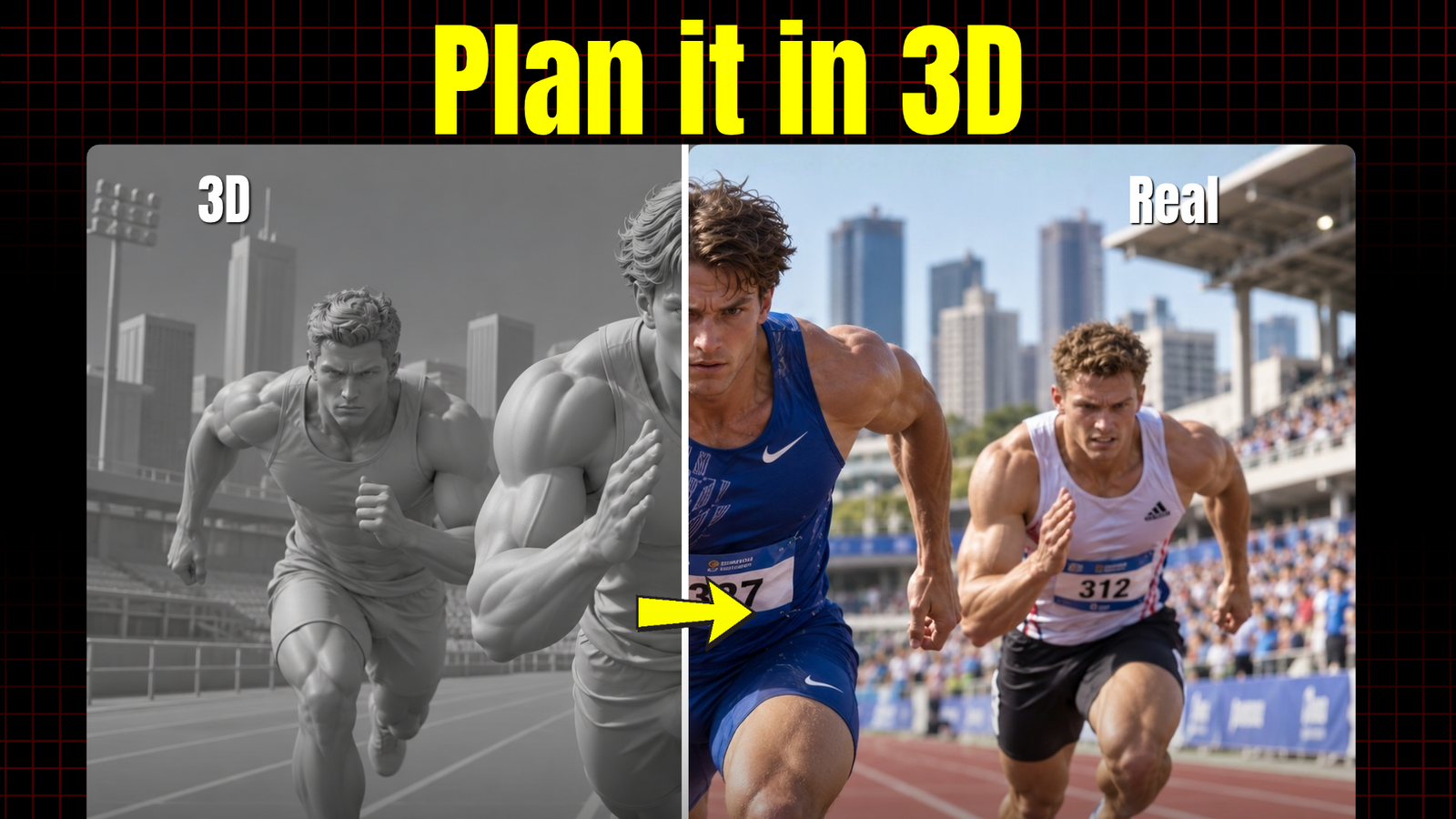
Instead of relying entirely on text prompts, you can create a 3D scene, position your characters, set up camera angles, and define camera movements. You can then use these references with AI video generation tools like Seedance 2.5 to guide the final output.

Watch the Full Tutorial

In this tutorial, I demonstrate how to create 3D scene references using Topview AI’s 3D Builder and use them to control camera angles and movements in AI-generated videos.

You’ll see how to:

  • Create a 3D environment from a reference image.
  • Add characters and animations to your scene.
  • Set up different camera angles and movements.
  • Export 3D camera references.
  • Use those references with Seedance 2.5 to generate AI videos.

Watch the full tutorial here:

Keep Reading

Category AI Posted on

How to Create AI Product Ads Directly Inside Claude Using Topview

You can now use Claude to research product ad ideas, develop creative concepts, and generate AI product videos without manually switching between multiple tools. This guide walks you through setting up Topview's plugin and creating your first AI product ad. 1. Connect Topview to Claude Visit the Topview Plugin page. Find the Topview integration for Claude. Copy the setup prompt provided on the integr…
Continue reading
Category AI Posted on

How to Control AI Video Camera Angles Using 3D References

Getting the exact camera angles and movements you want in AI-generated videos can be challenging. Even with detailed prompts, you may need multiple generations to get the result you're looking for, which can waste both time and AI credits. One way to get more control is by using 3D scene references. Instead of relying entirely on text prompts, you can create a 3D scene, position your characters, set up camera …
Continue reading