N8N Instagram Automation – Free Workflow Template

N8N Instagram Automation

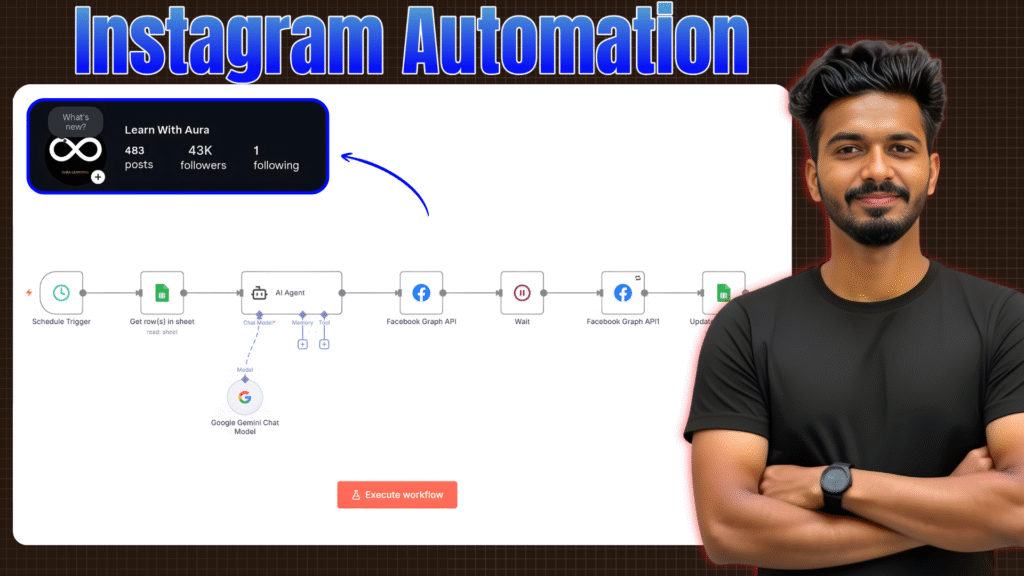
If you want to automate your Instagram posting without paying for any third-party tools, this N8N workflow will help you do exactly that. This is the same automation setup I use to auto-post Instagram Reels, generate captions using AI, upload videos through Cloudinary, and publish them automatically using the Facebook Graph API. It’s simple, reliable, and fully customizable. Just import the workflow into your N8N dashboard and add your own credentials.


Download the Workflow Template (JSON)

🔽 Download Workflow JSON

What’s Included in the Workflow

  • Google Sheets → Fetch content
  • AI Caption Generator (Gemini/OpenAI)
  • Cloudinary video URL handling
  • Facebook Graph API (upload + publish)
  • Auto-update status
  • Daily scheduled posting

How to Use

  1. Import the JSON file into N8N
  2. Add your Google Sheet, Cloudinary links, and Meta API token
  3. Activate the workflow
  4. Done — your Instagram reels will post automatically

If you need the full step-by-step video tutorial, you can watch it here:
Keep Reading

Category AI Posted on

How to Build an AI SaaS App with Claude Code (No Backend Code)

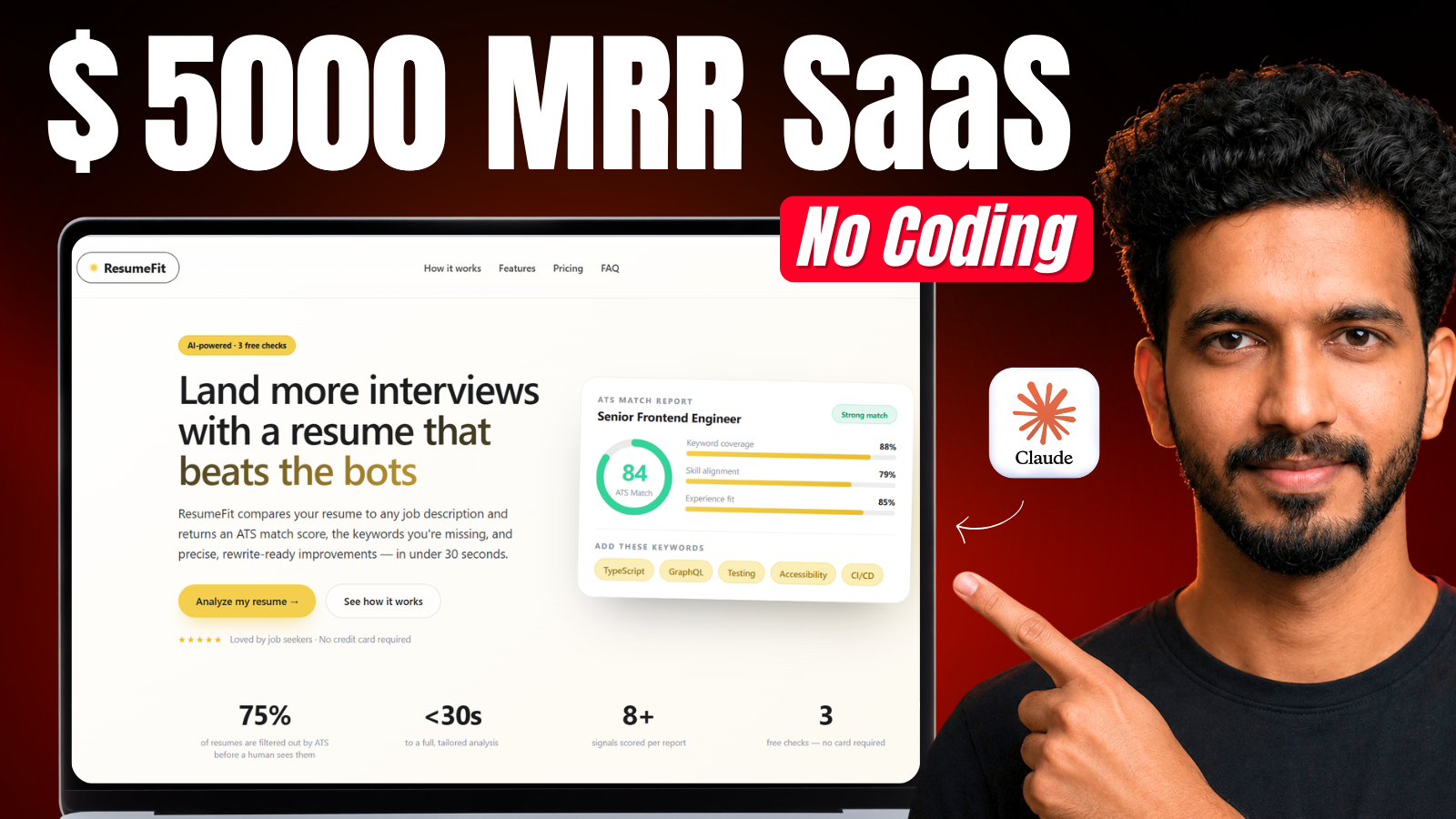
Building a full SaaS app used to mean weeks of backend setup — databases, authentication, payment logic, email automation, hosting. Today, tools like Claude Code make writing an app faster than ever, but for non-technical builders, the backend is still the hard part. In this guide, I'll show you exactly how I built Resume Fit — a production-ready, AI-powered resume optimization SaaS app — with login, Stripe payme…
Continue reading
Category AI Posted on

How to Remove Gemini Watermark for Free : From Both Images and Videos

If you create AI images or videos using Google Gemini or Google Flow, you already know the annoying watermark that comes stuck on every output — even on the paid plan. In this video, I show you a completely free tool that removes the Gemini watermark from both images and videos in just seconds, without losing any quality and without installing any software. Watch the full tutorial below to see exactly how it w…
Continue reading