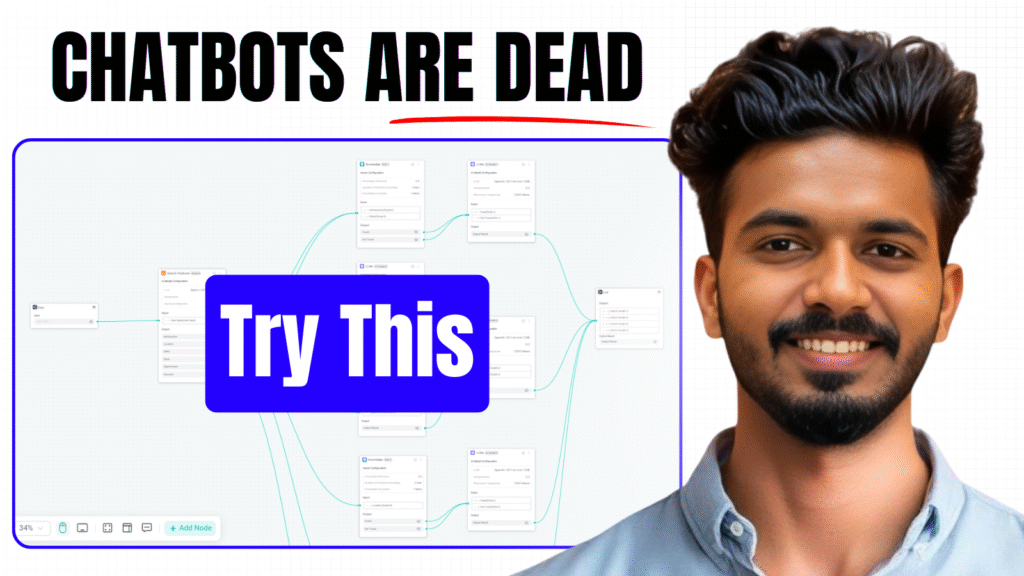
The Enterprise AI Agentic Era Is Here – Try This Now!

The future of business automation is already here. Traditional chatbots are outdated — the new era belongs to intelligent AI agents that truly understand your company, customers, and workflows.

With GPTBots AI, you can build your own no-code AI agent that connects directly with your website, WhatsApp, Facebook, or Instagram, automates customer support, handles product inquiries, and even integrates with your CRM — all in minutes.

In this video, I’ll walk you through how to create a Customer Support AI Agent from scratch, step by step — including how to build workflows, add knowledge bases, and integrate it seamlessly into your business platforms.

Why You Should Try GPTBots AI

  • Build and deploy AI agents without coding
  • Connect to multiple platforms in a few clicks
  • Automate support, sales, and workflows effortlessly
  • Designed for enterprise scalability and data security

If you’re ready to explore what’s next in AI automation —
click below, sign up for free, and start building your first AI agent today.
Keep Reading

Category AI Posted on

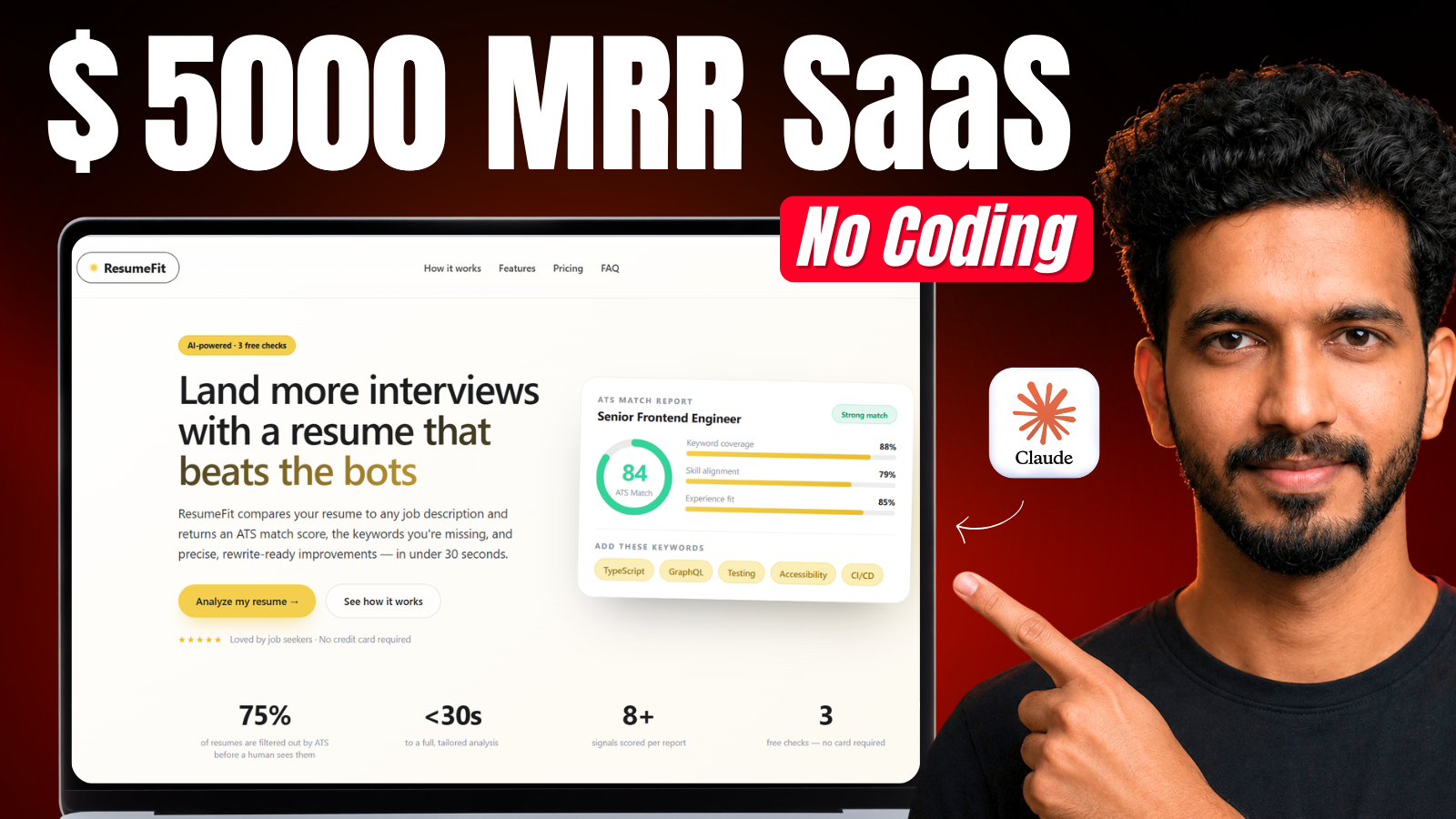
How to Build an AI SaaS App with Claude Code (No Backend Code)

Building a full SaaS app used to mean weeks of backend setup — databases, authentication, payment logic, email automation, hosting. Today, tools like Claude Code make writing an app faster than ever, but for non-technical builders, the backend is still the hard part. In this guide, I'll show you exactly how I built Resume Fit — a production-ready, AI-powered resume optimization SaaS app — with login, Stripe payme…
Continue reading
Category AI Posted on

How to Remove Gemini Watermark for Free : From Both Images and Videos

If you create AI images or videos using Google Gemini or Google Flow, you already know the annoying watermark that comes stuck on every output — even on the paid plan. In this video, I show you a completely free tool that removes the Gemini watermark from both images and videos in just seconds, without losing any quality and without installing any software. Watch the full tutorial below to see exactly how it w…
Continue reading