How to Run AI Models Locally on Your PC for FREE

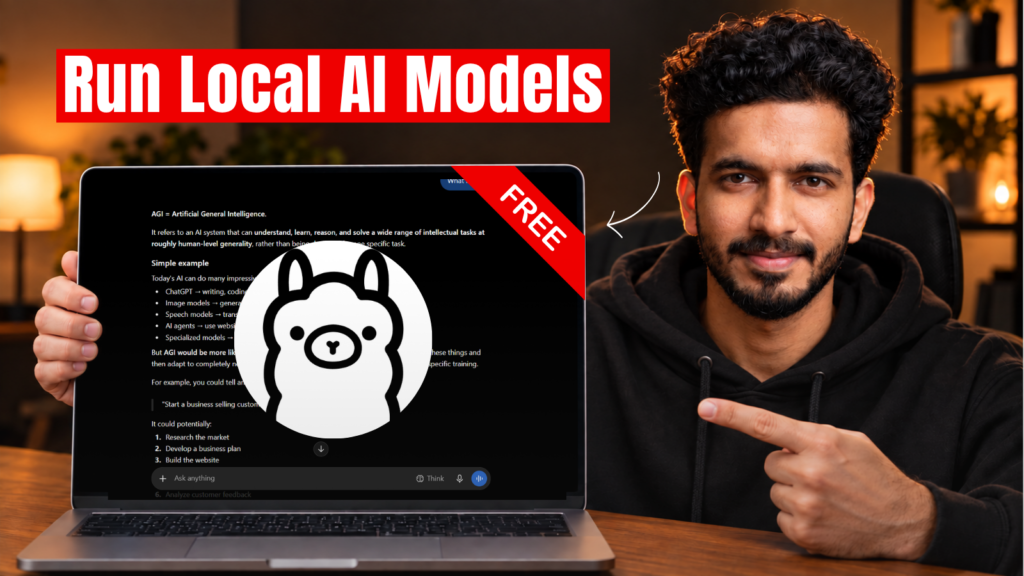
Want to run AI models directly on your PC without paying for a subscription? You can do that using Ollama, a free tool that lets you download and run AI models locally on your computer.

Running AI locally means your prompts are processed on your own PC instead of being sent to a cloud AI service. Once you’ve downloaded a model, you can even use it without an internet connection.

How to Run AI Locally Using Ollama

Getting started is simple:

  1. Download and install Ollama on your PC.
  2. Check your computer’s RAM and available storage.
  3. Choose a local AI model that your hardware can handle.
  4. Download the model using Ollama.
  5. Start chatting with your AI model directly from your PC.

You don’t need an expensive computer to get started, but the model you can run and its performance will depend on your hardware.

Watch the Step-by-Step Tutorial

I’ve created a complete video tutorial showing how to install Ollama, choose the right AI model for your PC, download it, and run it locally — even without an internet connection.

Keep Reading

Category AI Posted on

How to Create AI Product Ads Directly Inside Claude Using Topview

You can now use Claude to research product ad ideas, develop creative concepts, and generate AI product videos without manually switching between multiple tools. This guide walks you through setting up Topview's plugin and creating your first AI product ad. 1. Connect Topview to Claude Visit the Topview Plugin page. Find the Topview integration for Claude. Copy the setup prompt provided on the integr…
Continue reading
Category AI Posted on

How to Control AI Video Camera Angles Using 3D References

Getting the exact camera angles and movements you want in AI-generated videos can be challenging. Even with detailed prompts, you may need multiple generations to get the result you're looking for, which can waste both time and AI credits. One way to get more control is by using 3D scene references. Instead of relying entirely on text prompts, you can create a 3D scene, position your characters, set up camera …
Continue reading