Managing multiple social media accounts can take a lot of time. Finding content, writing captions, uploading videos, and scheduling posts across different platforms can quickly become repetitive.
But what if you could automate this entire process using AI?
In this tutorial, I’ll show you how to use Claude Cowork to automate your entire social media workflow, from finding content in Google Drive to writing captions in your own style and scheduling posts automatically.
What We’re Building
The workflow uses four main tools:
- Claude Cowork: Acts as your AI social media manager.
- Google Drive: Stores your videos and images.
- Google Sheets: Manages your content calendar and publishing schedule.
- OneUp MCP: Connects Claude to your social media accounts and handles scheduling.
Here’s how the workflow works:
- Claude checks your Google Sheets content calendar to identify posts due today.
- It finds the corresponding videos and images in Google Drive.
- It analyzes the content and uses a custom Claude skill to write captions in your writing style.
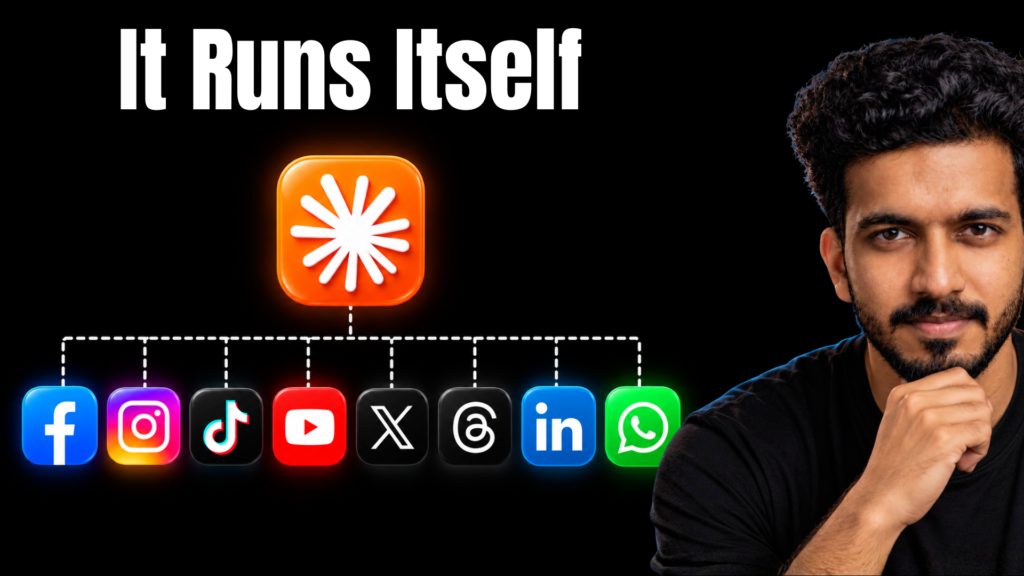
- OneUp MCP schedules the content across Instagram, Threads, and X.
- Claude updates the Google Sheet once the posts are successfully scheduled.
You can also create a scheduled task in Claude Cowork to run this entire workflow automatically every morning.
Watch the Full Tutorial
I’ve demonstrated the complete setup, including connecting the tools, creating a custom writing skill, scheduling posts, troubleshooting errors, and testing the automated workflow.