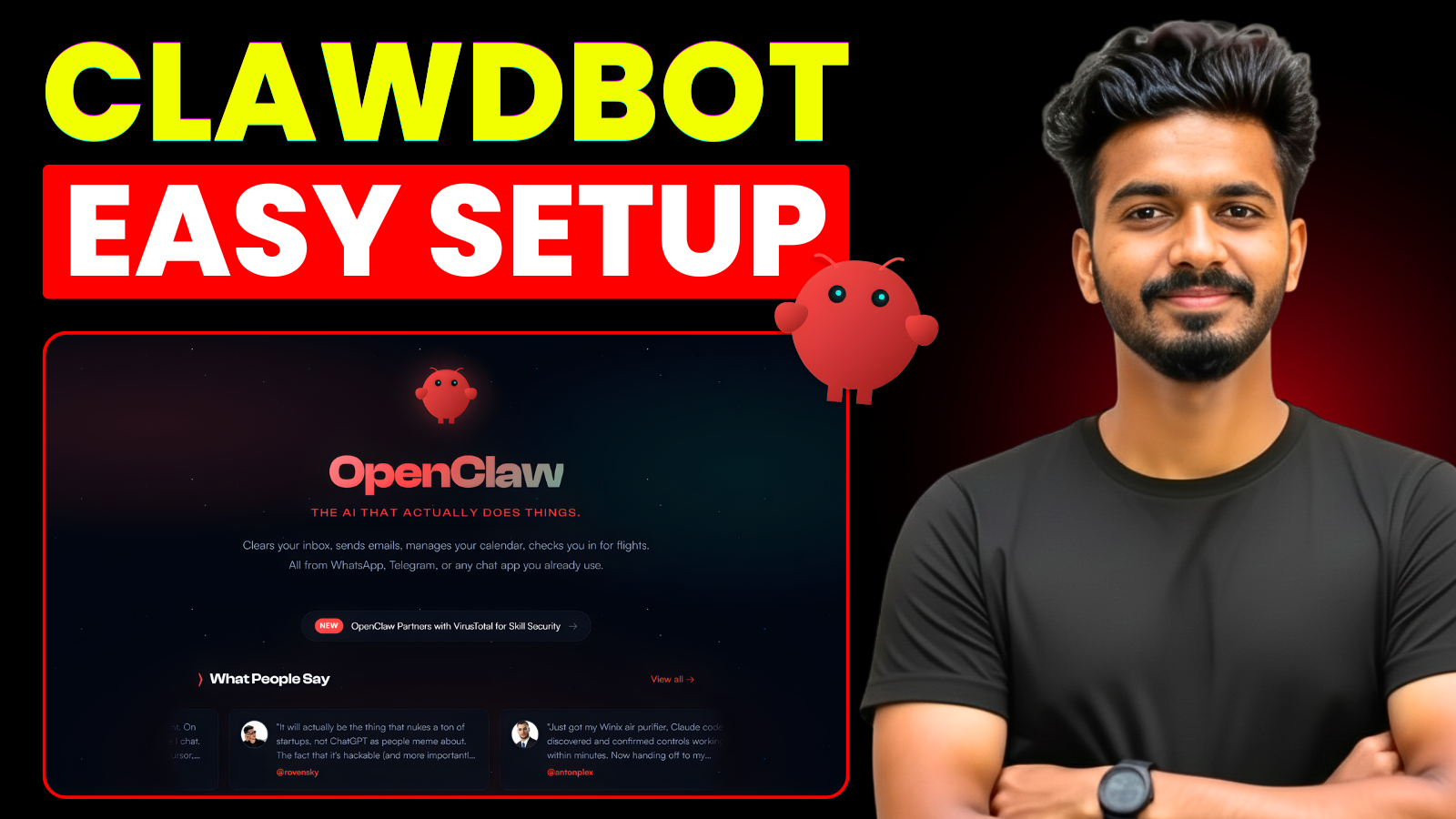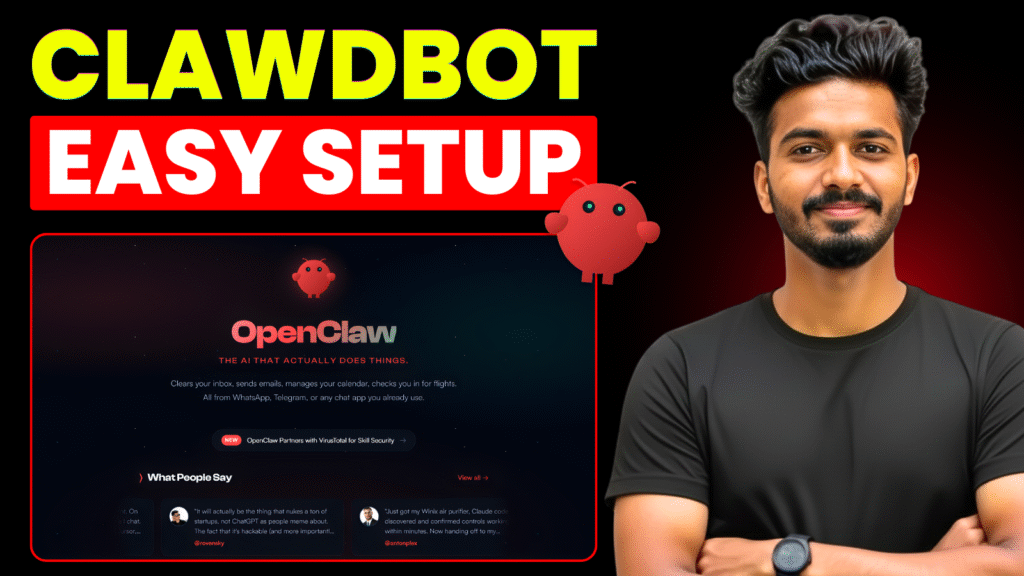
In this guide, I will show you how to setup and use Clawdbot – the viral AI personal assistant that has recently rebranded to OpenClaw (and was briefly known as Moltbot). If you’ve been looking for a tutorial to build a 24/7 digital employee that handles your tasks while you sleep, you’re in the right place.
The internet went crazy over this tool because it’s not just a chatbot; it’s a proactive assistant that lives on your device, browses the web, and automates complex workflows. However, because it requires deep terminal access, installing it on your personal computer can be a major security risk. To master these AI skills safely, the best method is to host it on a private virtual server.
Below, you can watch the full video where I walk you through the entire setup process, from claiming your VPS to adding custom ai skills like web browsing and screenshot capturing.
📺 Watch the Full Tutorial
🚀 Quick Setup Resources
To get the most out of this OpenClaw tutorial, here are the essential links and discounts mentioned in the video:
- Hostinger VPS: Purchase from here
- 24-Month Plan Discount: Use code Rajeevdaz15 for 15% OFF.
- 12-Month Plan Discount: Use code Rajeevdaz for 10% OFF.
- Custom Skills Library: Explore new tools at Clawhub.ai.
🛠️ What We Cover in This Guide
- The Security First Approach: Why a VPS is better than a local install.
- One-Click Deployment: Using Docker to install OpenClaw in seconds.
- Cross-Platform Connectivity: Linking your agent to Telegram or WhatsApp.
- Custom AI Skills: How to download and install new capabilities from the community.
- 24/7 Automation: Setting up your bot to run without needing a Mac Mini.